Step 3: Providers Send Messages
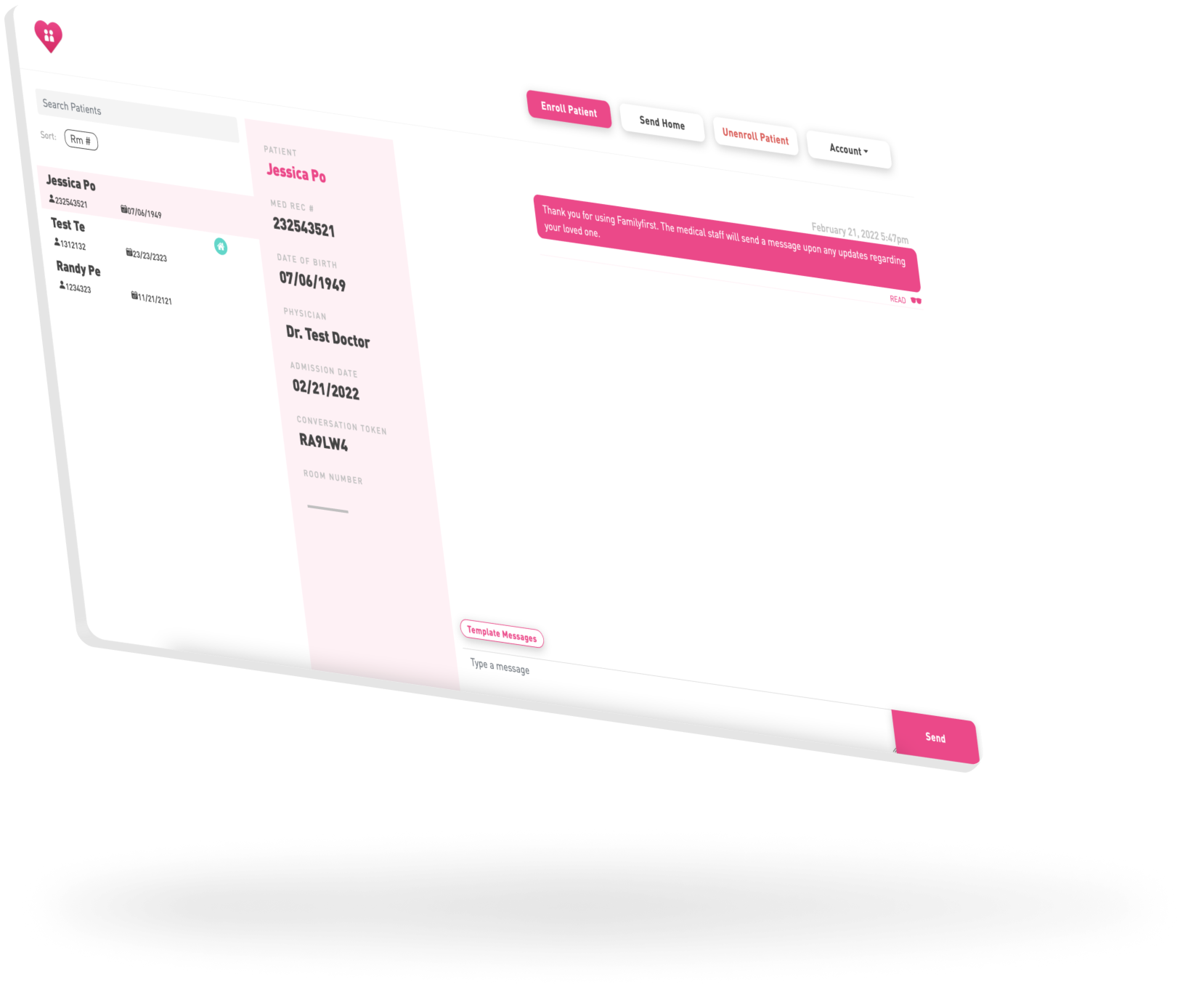
Sending messages on Familyfirst is as easy as using iMessage or WhatsApp.
Simply select the patient on the left-hand sisde of the app, and view the conversation thread on the right-hand side.
Messages can be written from scratch to craft personal updates. Or staff can use Template Messages to send common pieces of communication in just two clicks.
Next