Step 2: Family Joins Conversation
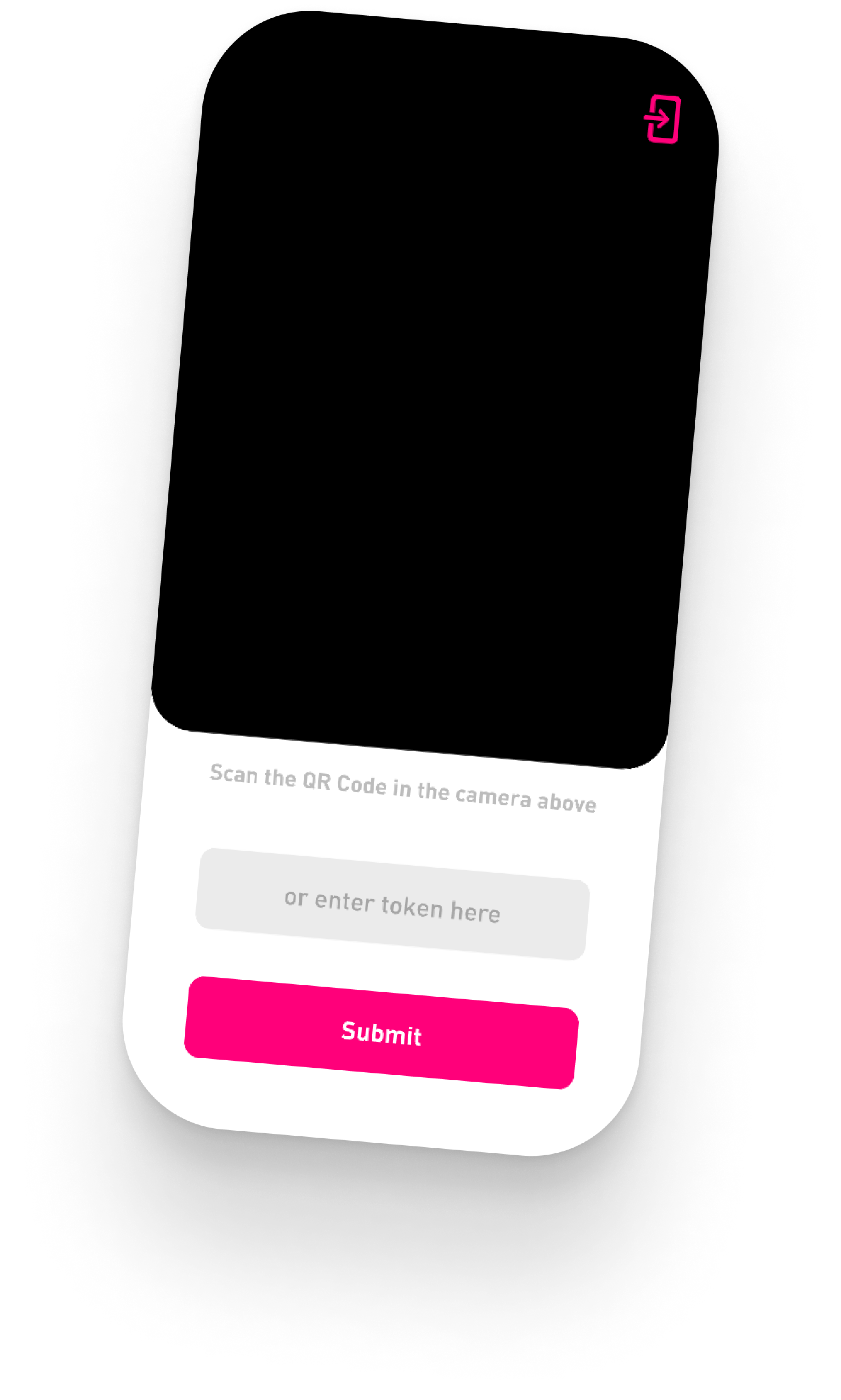
At this time, the family is instructed to open the Familyfirst app on their personal smartphone, and scan the QR Code presented by the registration staff.
Familyfirst is available on iOS and Android for family members.
Once they scan the QR code, the family will enter the conversation with the medical staff.
Multiple family members can join the conversation, so later on, every update is shared with the patients’ entire support system.
Next