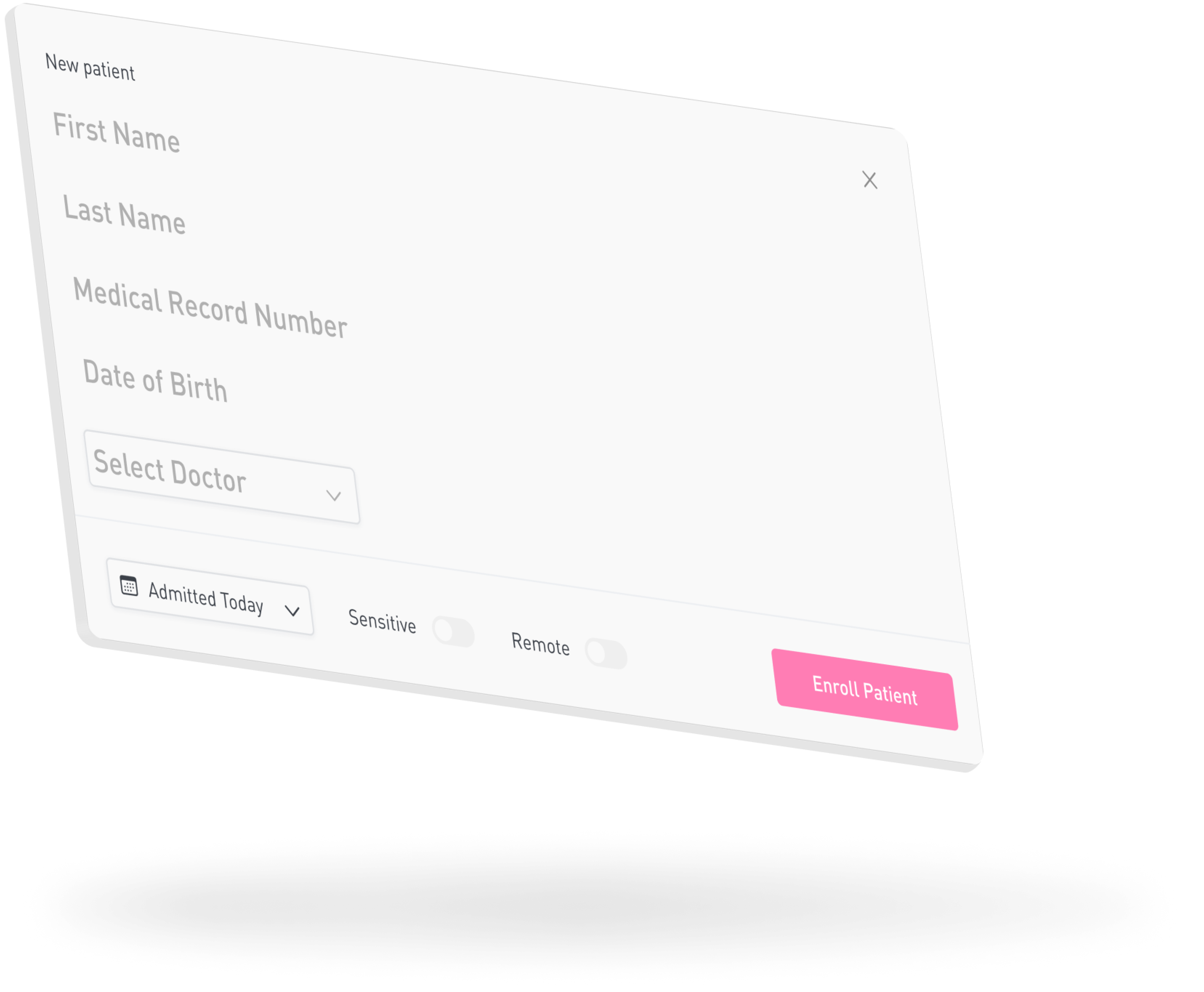
Step 1: Enroll Patient
Upon admission to the hospital, registration staff will enroll the patient into Familyfirst.
Enrolling patients is as simple as inputting a few patient identifiers.
At this time, a QR Code will be generated for the family members to scan with their Familyfirst app.
Next